Matey the app
Idea
The idea came from my own struggle to find a good wishlist app — a place to easily save things I wanted and share my list ahead of my birthday or New Year. So I decided to build my own.
New idea
When I started planning the new app’s structure, I remembered another struggle: splitting expenses with friends on trips. There’s an existing app for that, but its features and UI don’t quite work for me.
That led me to the idea of a toolbox for mates, with different tools to make things easier between them. That’s how Matey was born.
Architecture
I wanted the app to work across platforms from the beginning, because people might use different features in different contexts. For example, adding items to a wishlist might be easier in the app, while viewing a shared wishlist might be more convenient in a browser.
So all the logic lives on the backend, which makes it simpler to add another front end with the same UI at any stage.
Layout
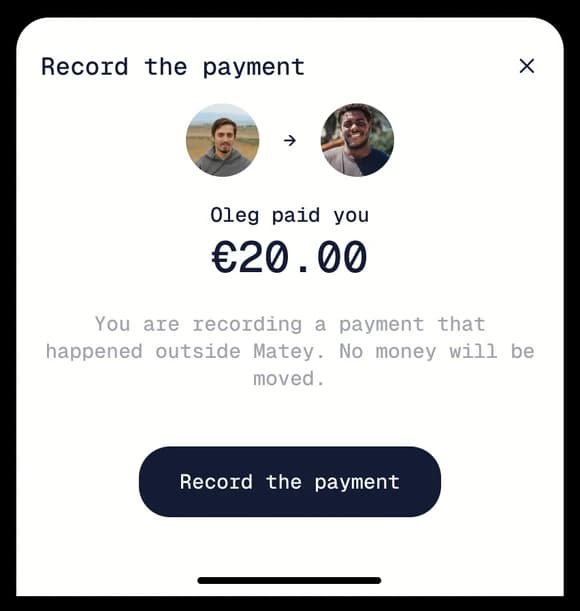
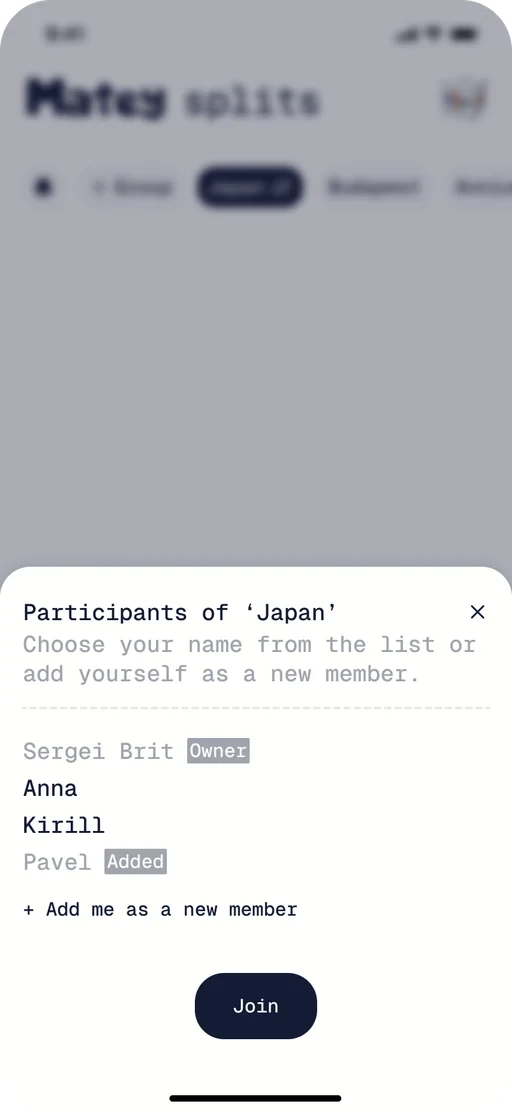
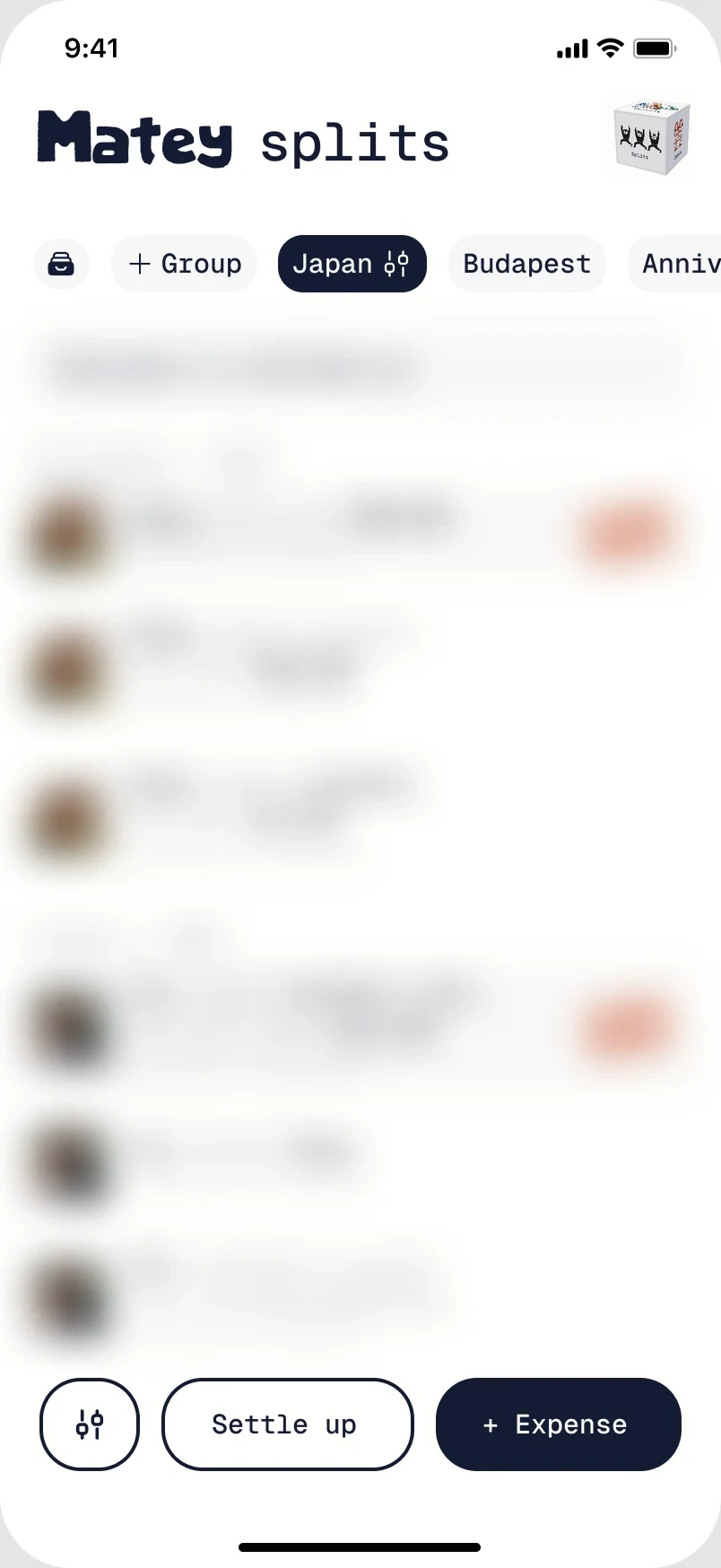
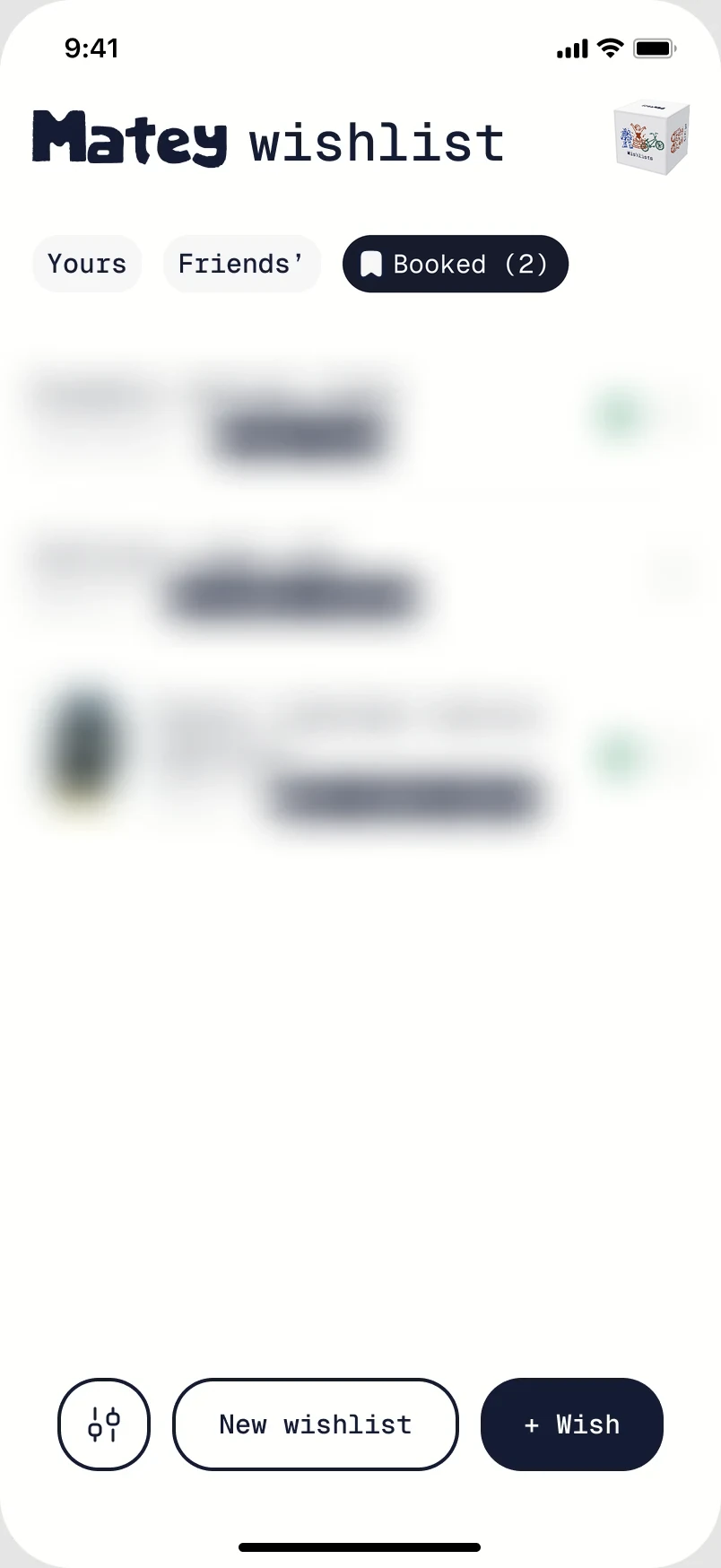
I expect people to use Matey mainly on their phones, so I went with a mobile layout across all platforms. I designed a two-level control system with a consistent structure, while the buttons and other controls change depending on the feature.
This keeps the interface familiar and easy to use on any device. The top level is mainly for navigation, while the bottom level is for actions and other controls.
Splits
Wishlists
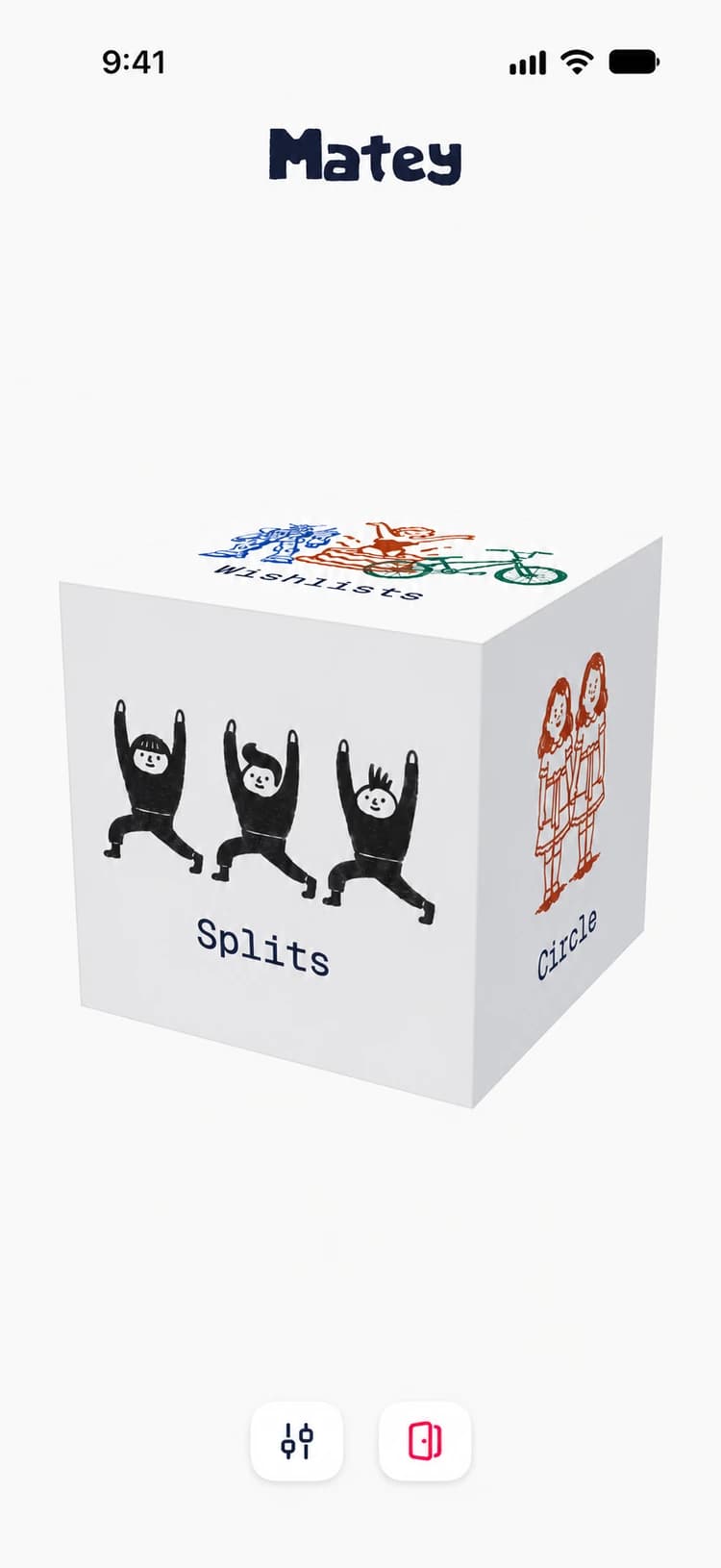
Main page
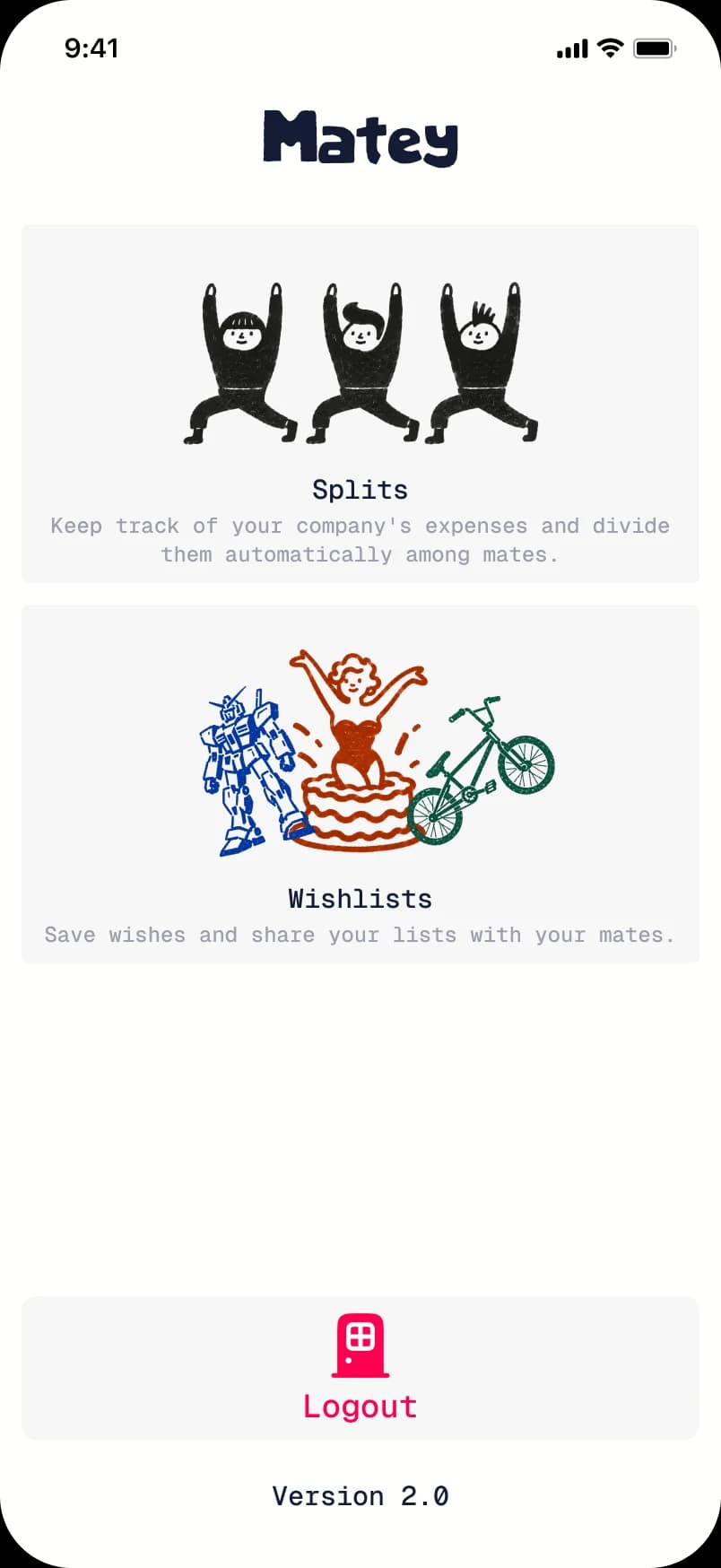
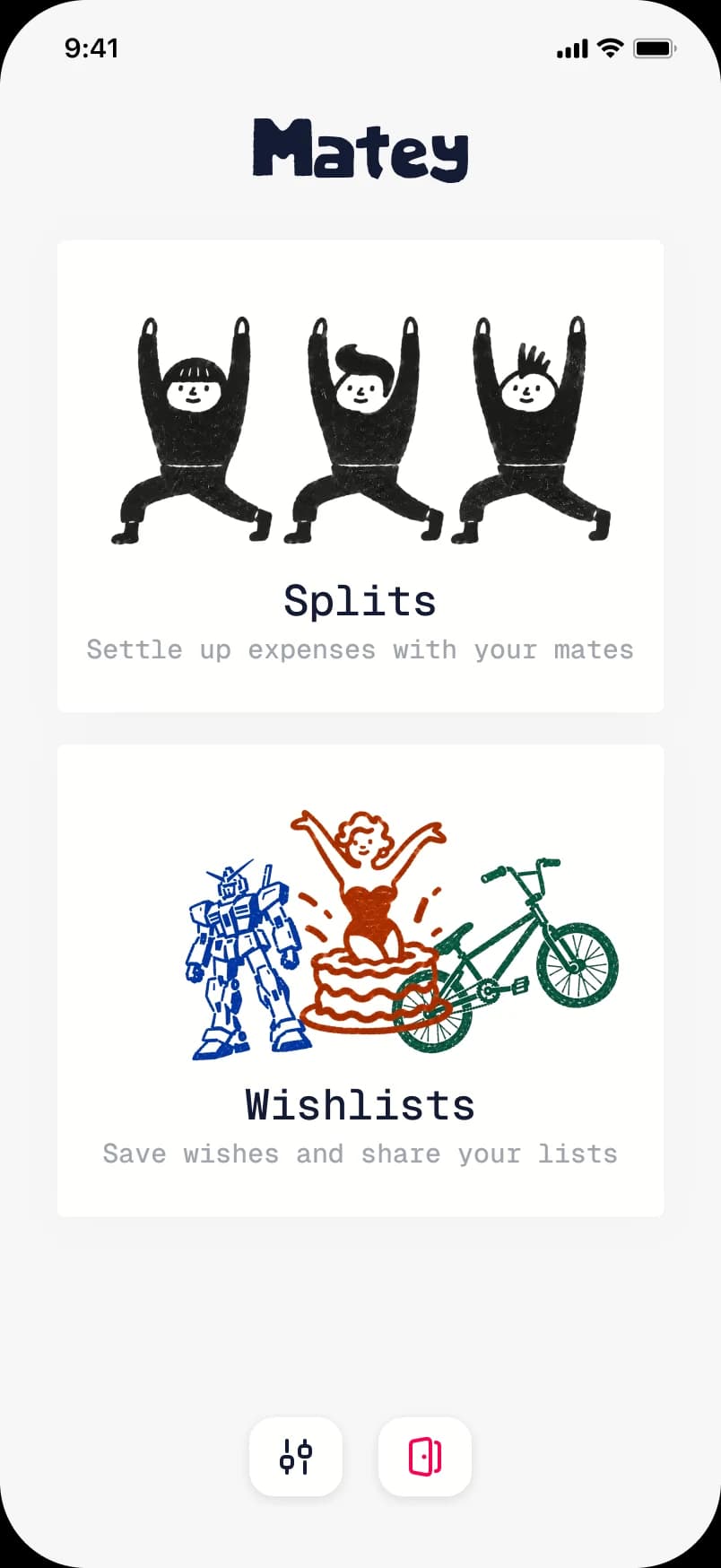
Figuring out how to introduce people to Matey and its features was a real challenge. I wanted to avoid the usual content blocks and carousels and show the app’s personality.
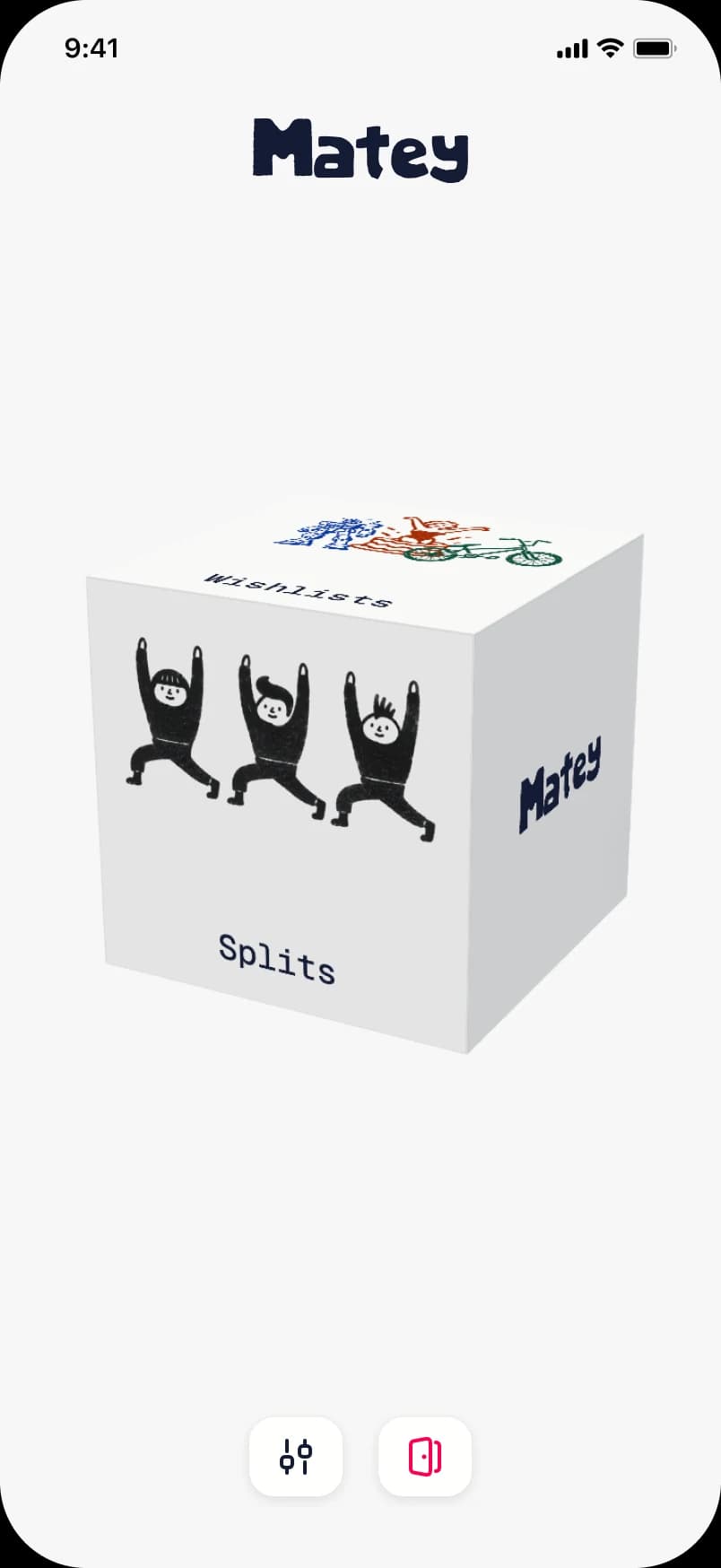


Splits
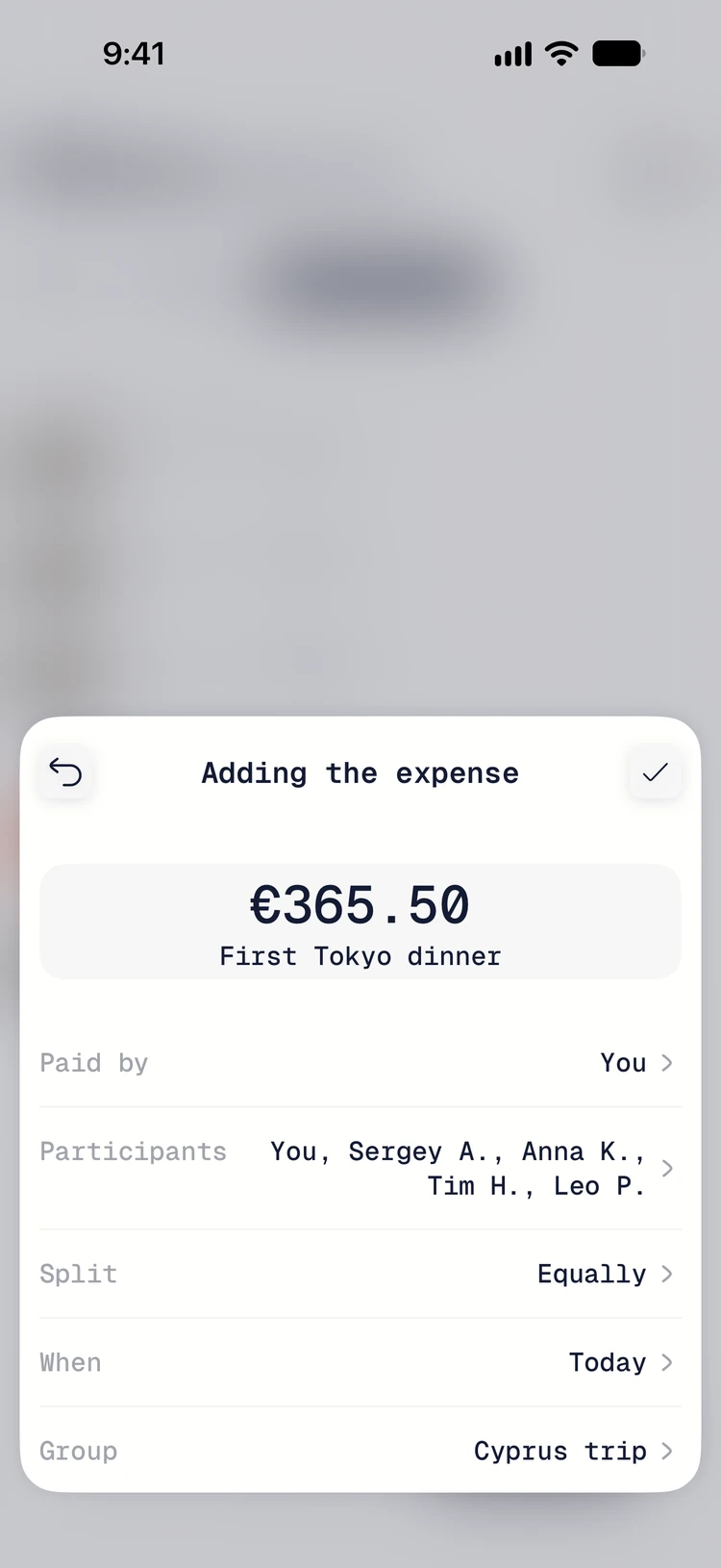
This feature launched before wishlists, even though wishlists were what sparked the idea for Matey. After talking to fellow designers and friends, I realized many of them wanted a simple app for splitting expenses.
I designed it so you can create groups and split expenses without requiring everyone else to sign up for Matey. They only need an account if they want to view or add expenses themselves.
Wishlists
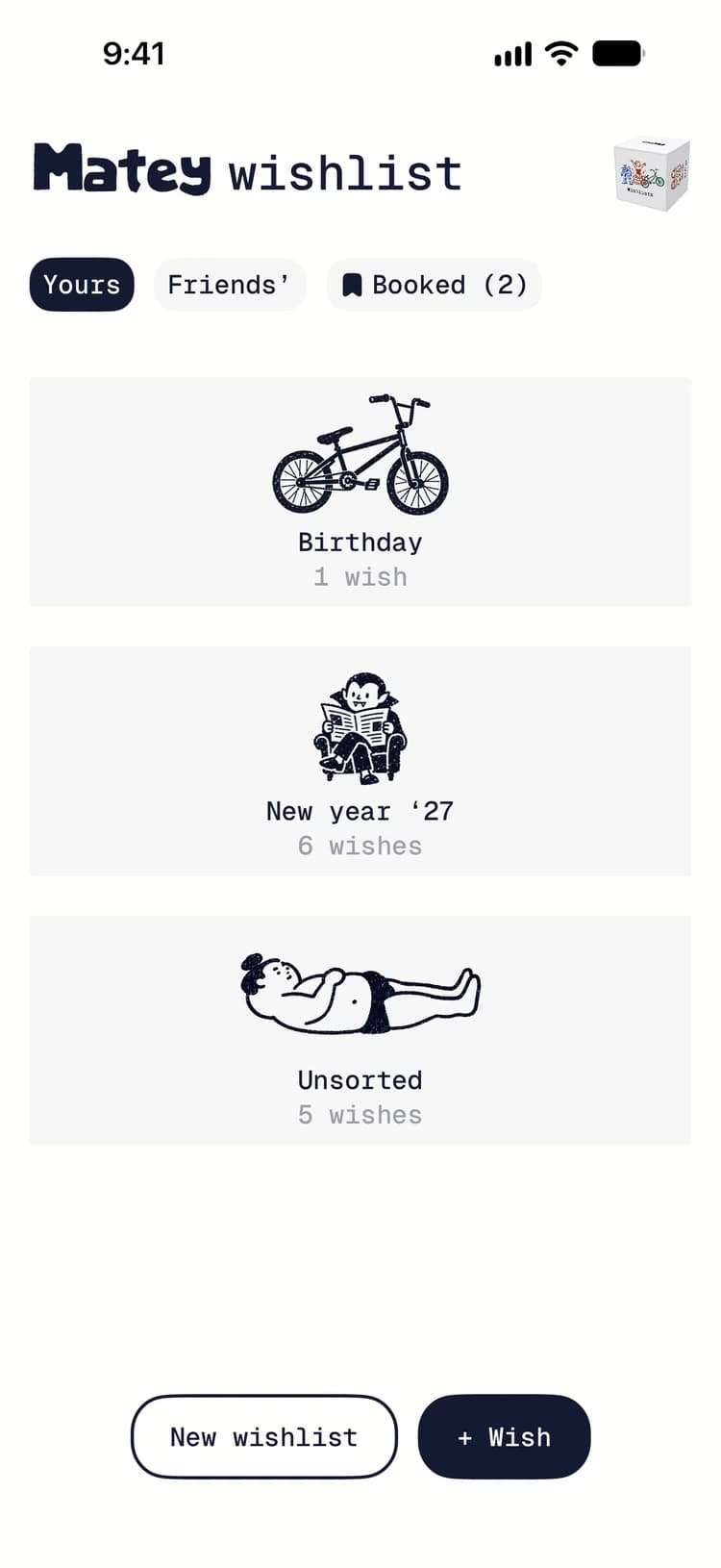
The feature that started it all is pretty simple, but it solves the problem that inspired Matey. It gives me a place to save links and ideas for things I’d like to have. It’s essentially a private folder where I keep all my wishes.
From there, I can create public wishlists for my birthday, New Year, or other celebrations, using saved wishes or adding new ones. Then I can share those lists with friends.
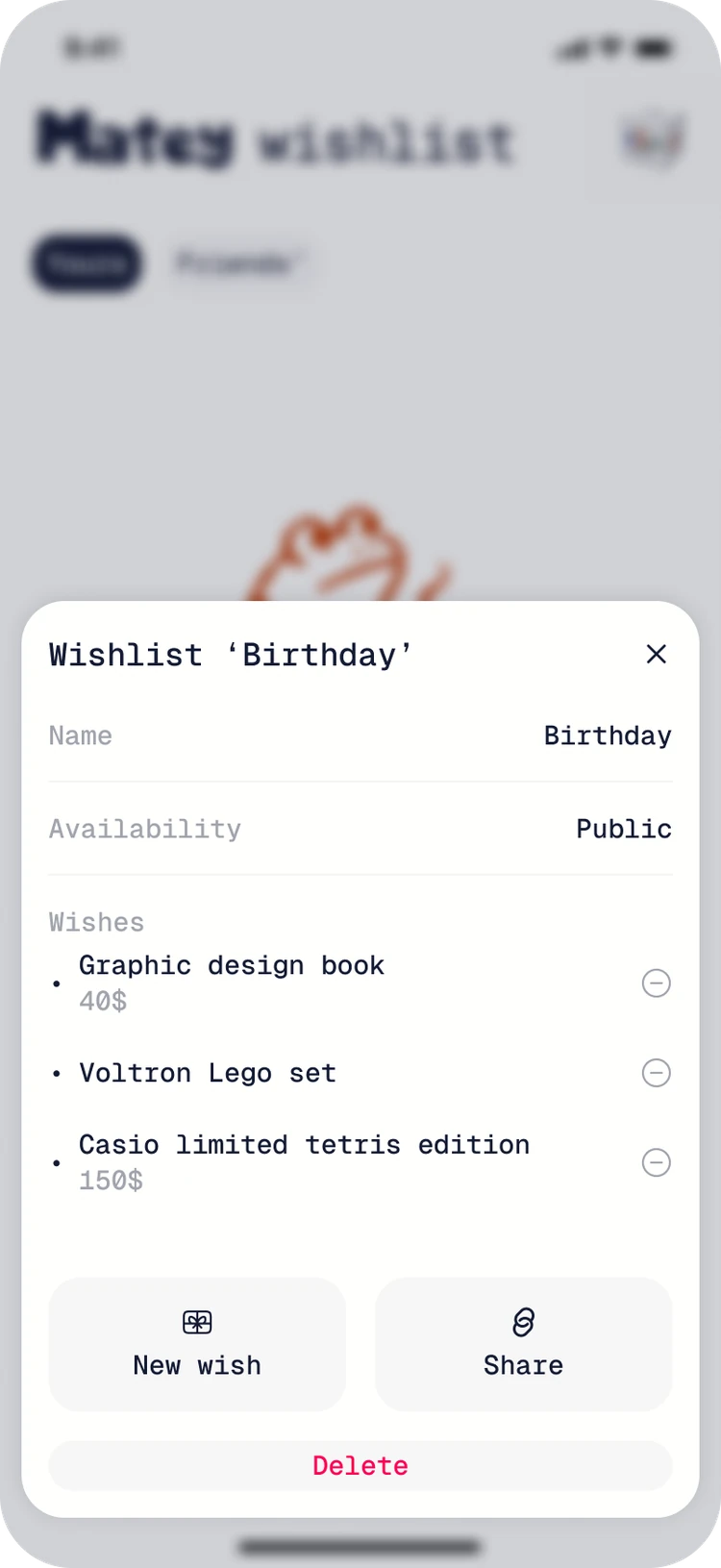
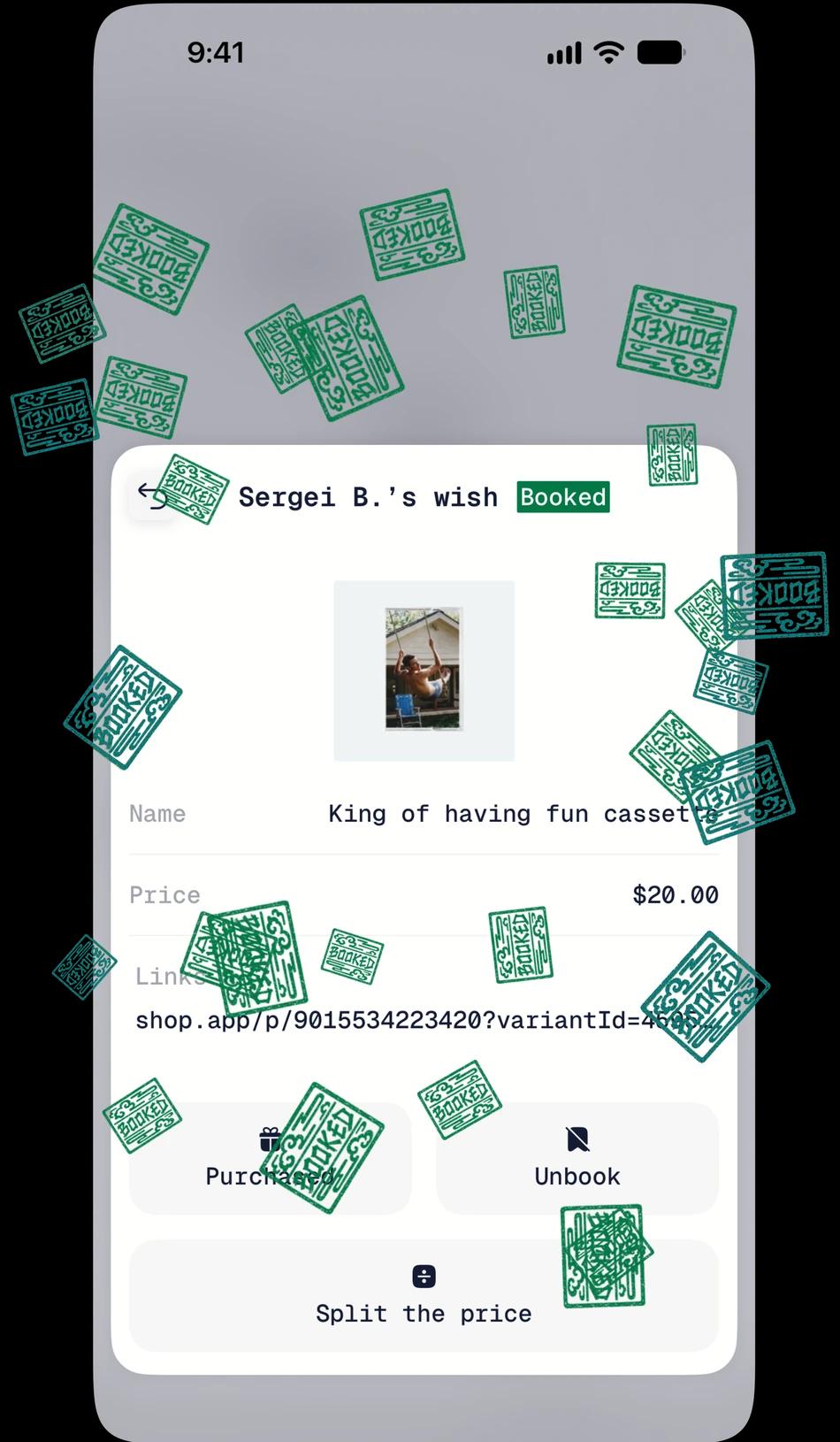
Add by link
Digital products should make things easier, so we have more time to relax and have fun. To save you from filling in a wish by hand while browsing, I made it possible to pull the details from a link. You can also add a wish right from the browser by sharing the link to Matey.
Community
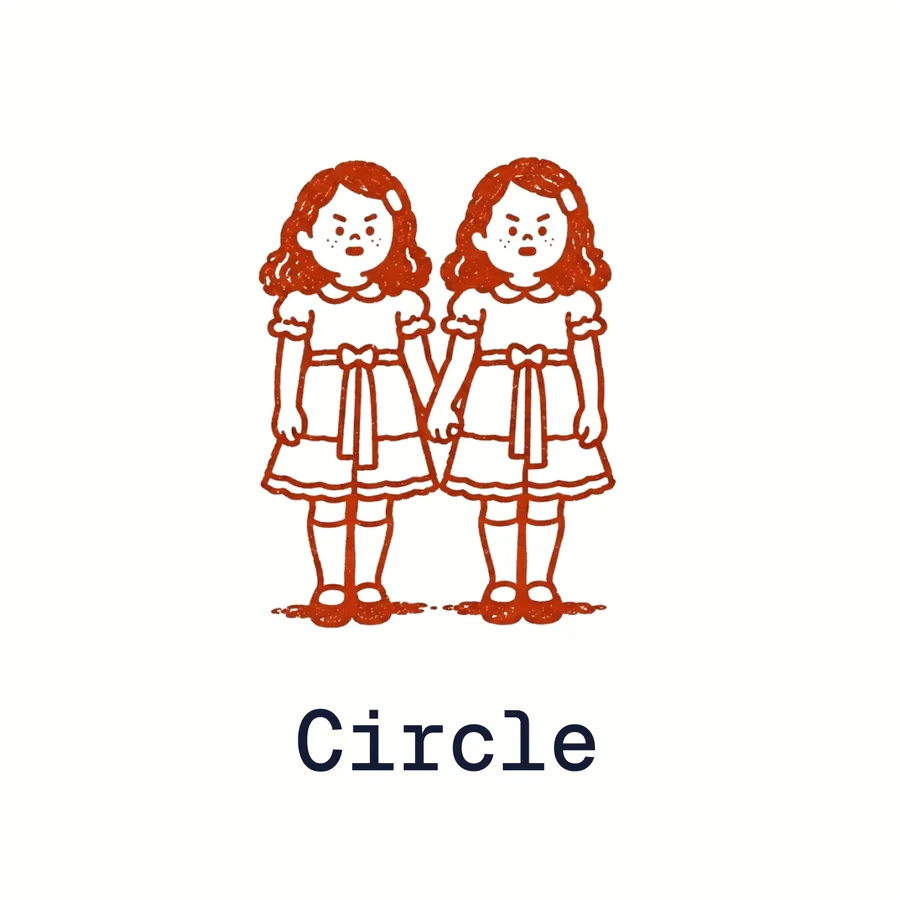
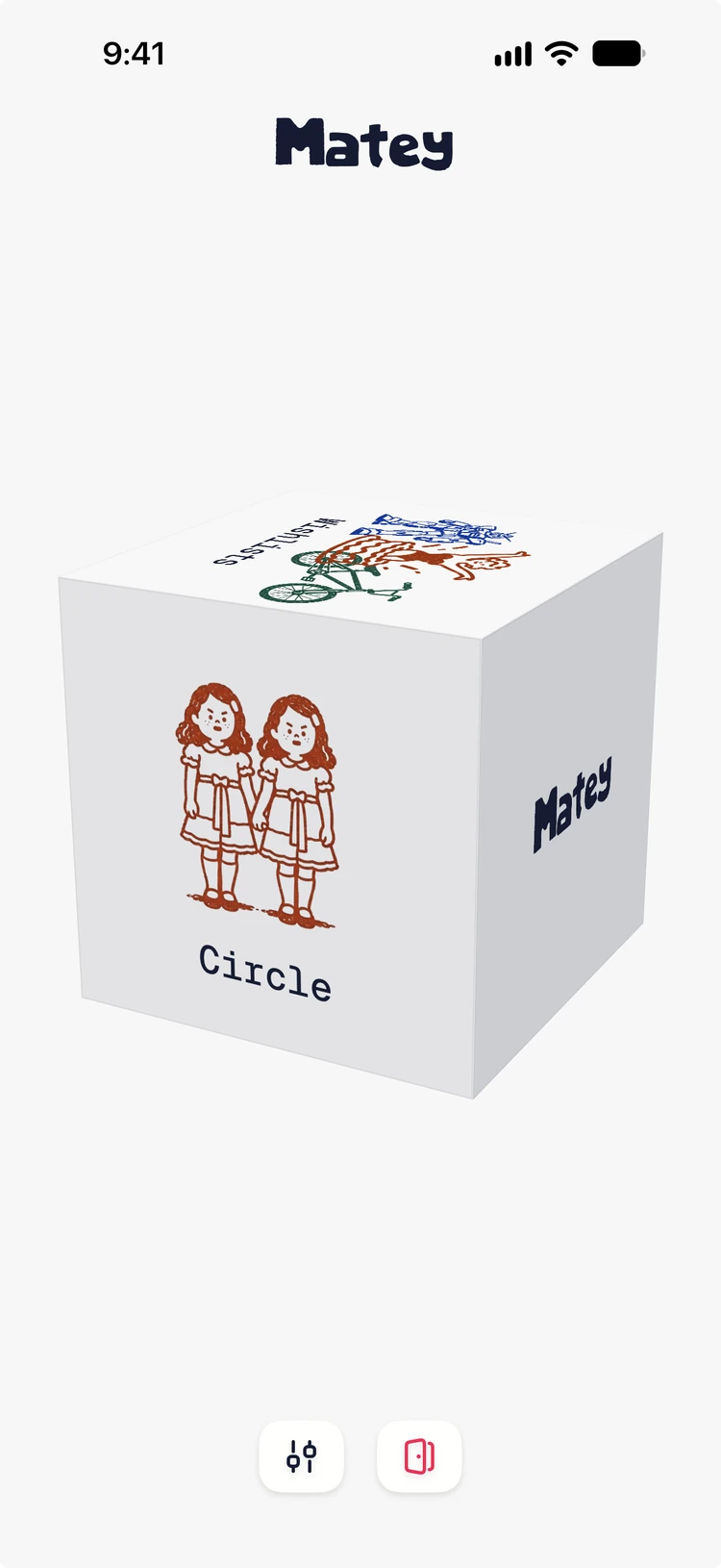
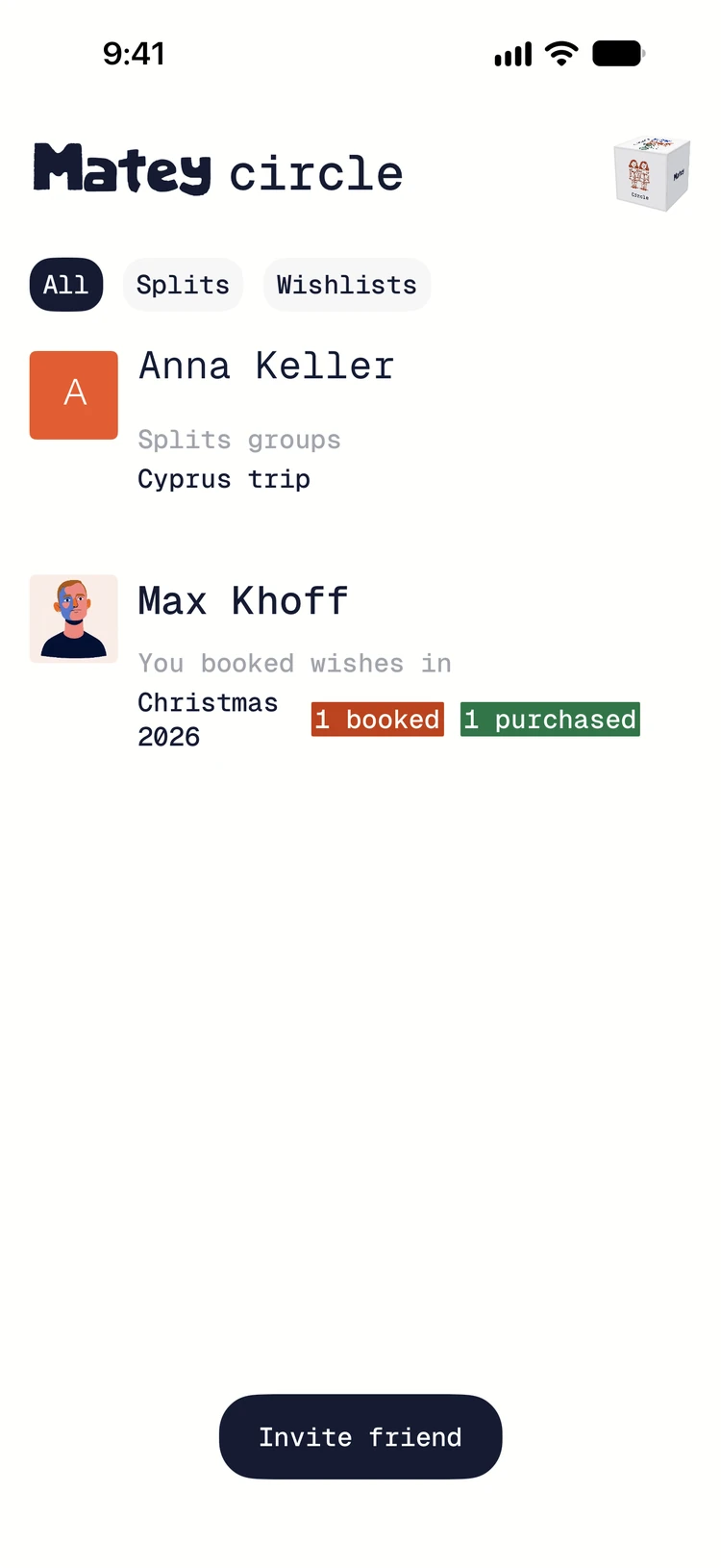
Matey is all about friends and connections. Your Circle shows the mates you share groups, wishlists, and activities with. As I add new features, it will grow into the hub for all of them.
Thanks for reading!